


24-inch iMac Power Supply (143W Power Adapter)
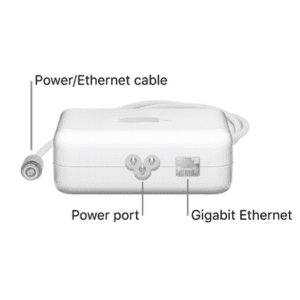
The 143W power adapter for 24-inch iMac (M1, M3 & M4 chip) has built-in Ethernet.
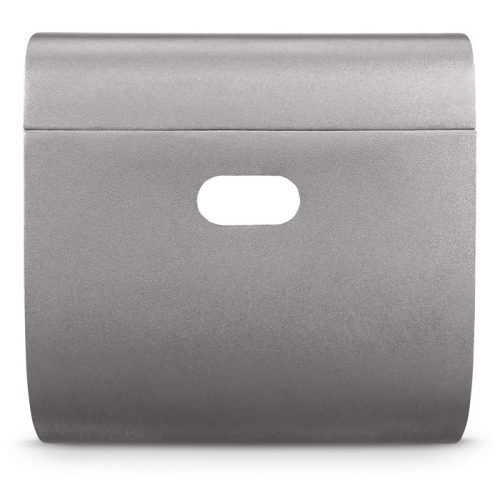
Connect the power adapter. Pass the power cable through the hole in the stand and connect it to the power connector on the back of your iMac. Plug the separate power cord into the power adapter, then connect it to an electrical outlet.
Connect to Ethernet. Plug an Ethernet cable from your router or modem into the Gigabit Ethernet on the power adapter. The power adapter cable doubles as an Ethernet cable, so you don’t need a separate Ethernet cable from the power adapter to your iMac
Purchase from Mac&More Solutions – Apple Service Center in Kenya.


Reviews
There are no reviews yet.